Accessible reward apps with large text and simple UX
Find reward apps that prioritize large text, simple flows, and clear payout steps. Practical tips, UI checks, and realistic earning expectations for seniors and low vision users.
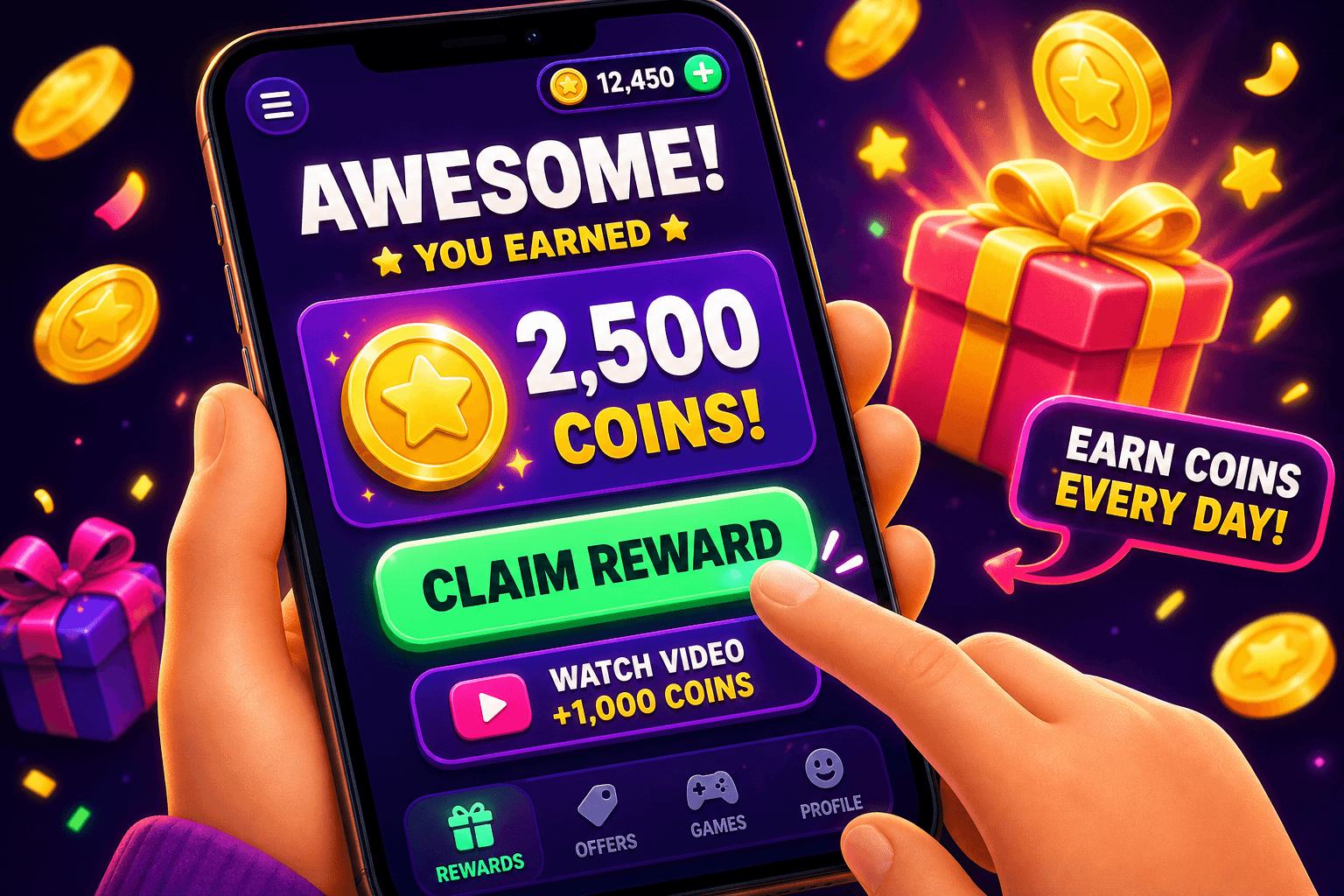
Big-picture hook
If tiny buttons and crowded menus put you off reward apps, you are not alone. Many popular play-to-earn and survey apps were built for younger eyes and faster thumbs. This guide shows how to find apps with large text, simple UX, and easy cashouts, plus realistic earning expectations so you can decide what fits your days and needs.
Why accessibility matters for reward apps
Accessible design is not a luxury for older users or people with low vision. Clear typography and simple flows reduce mistakes, speed up task completion, and make it easier to hit payout thresholds. Most casual users of reward apps earn $10 to $150 per month. If the interface slows you down, that range drops quickly. Choosing apps with larger text and fewer bells and whistles helps you reach the minimums and enjoy the process.
What to look for in a usable reward app
- Large text options or a scalable UI, so labels and buttons are readable without squinting.
- High contrast color schemes and clear button boundaries.
- Simple, consistent navigation. Fewer menus and fewer screens to complete a task.
- A visible progress meter for rewards or cashout so you know how close you are.
- Straightforward cashout options with transparent fees and a clear minimum.
When reviewing apps, try this quick checklist: can you change text size in the app? Are primary actions full width, easy to tap? Does the app spell out the payout path in plain language? These small checks take less than five minutes and save frustration.

Practical accessibility features that actually help
- Adjustable font size in the app or support for system font scaling. Apps that honor your phone's text size settings are instantly more readable.
- Simple affordances: large buttons labeled with verbs like "Play," "Claim," or "Cash out." Avoid apps that hide actions inside icons only.
- Less clutter on each screen. If an app is covered in banners, ads, and tiny lists, it will be harder to use reliably.
- Alternative input support: voice commands, switch control, or simple keyboard navigation if you use assistive hardware.
Accessibility is not only about visuals. Clear language matters too. Reward screens that explain how long a survey takes, or how many coins an offer pays, remove guesswork and reduce errors.
Simple reward apps that tend to work well
Look for apps and sites with minimal onboarding and obvious payout pathways. One example is Playpot, which positions itself as a straightforward play-to-earn option. Playpot is a free play-to-earn rewards site. Play games, take surveys, and complete app offers to earn coins, then cash out real money via PayPal, Venmo, or Cash App. No download, play right in your browser.
A few specific details that matter when you test Playpot or similar services:
- Minimum cashout: The minimum cashout is $20, so plan how quickly you can reach that with the tasks available.
- Reward methods: You can receive money via PayPal, Venmo, Cash App, Zelle, or gift cards, giving you flexible redemption choices.
- Platforms: Playpot is available on Web, iOS, Android, and Desktop so you can use the device that is most comfortable.
Try signing up and immediately checking text sizing and button scale. Switch your phone to larger text and see whether the app respects that change. If the app stays tiny, it will likely frustrate long term.

How to test an app before committing time
Before investing hours, do a five minute test session:
- Increase your device text size and check the app screens.
- Complete one quick task, like a short survey or a single game, and note how many steps it took.
- Simulate a cashout. Check whether payout info is visible and how long the promised payments take.
- Measure actual payout per hour. If a task took 20 minutes and gave $0.50, that is $1.50 per hour. Those numbers add up when the app is usable, but grind to a crawl if navigation is bad.
Expect honest returns. Most users will see modest earnings, around $10 to $150 per month depending on time spent and task availability. Prioritize apps that let you cash out in ways that suit you, whether that is PayPal, Venmo, Cash App, Zelle, or gift cards.
Also worth a look
Birthday Hunter aggregates birthday freebies and other single-use perks that pair well with low effort reward apps. If you like stacking small wins, Birthday Hunter helps you find free food, small gifts, and discounts you can claim without joining many loyalty programs. It is handy for anyone who wants to save money on the side while using reward apps.

Final checklist and realistic plan
If accessibility is a priority, use this short plan:
- Pick two apps that pass your five minute test.
- Spend a week switching between them for short sessions, 10 to 30 minutes per day.
- Track earnings in a single note or spreadsheet. Expect a slow buildup to the $20 minimum cashout for many apps.
Remember the most important detail: consistent, comfortable use beats chasing the highest per task pay rate in a cluttered app. If an app is readable and its buttons are obvious, you will do more tasks without frustration and reach payouts reliably.
Playpot's short tagline sums it up clearly: Tap. Play. Cash out.
Good luck. Keep accessibility front and center, and your side earnings will be simpler, steadier, and less frustrating.
Turn this into real money with Playpot
Play games, take surveys, and complete offers — earn from your very first one and cash out real money.
Play nowGet the best-paying offers by email
Drop your email and we will send the best-paying offers so you can start earning the moment you sign up.
We use your email to send the bonus code and occasional Playpot updates. Unsubscribe in one click.