Fast ways to turn small app balances into gift cards
Turn $2 to $20 from app wallets into gift cards fast. Practical steps, realistic examples, and apps and marketplaces that accept tiny payouts.
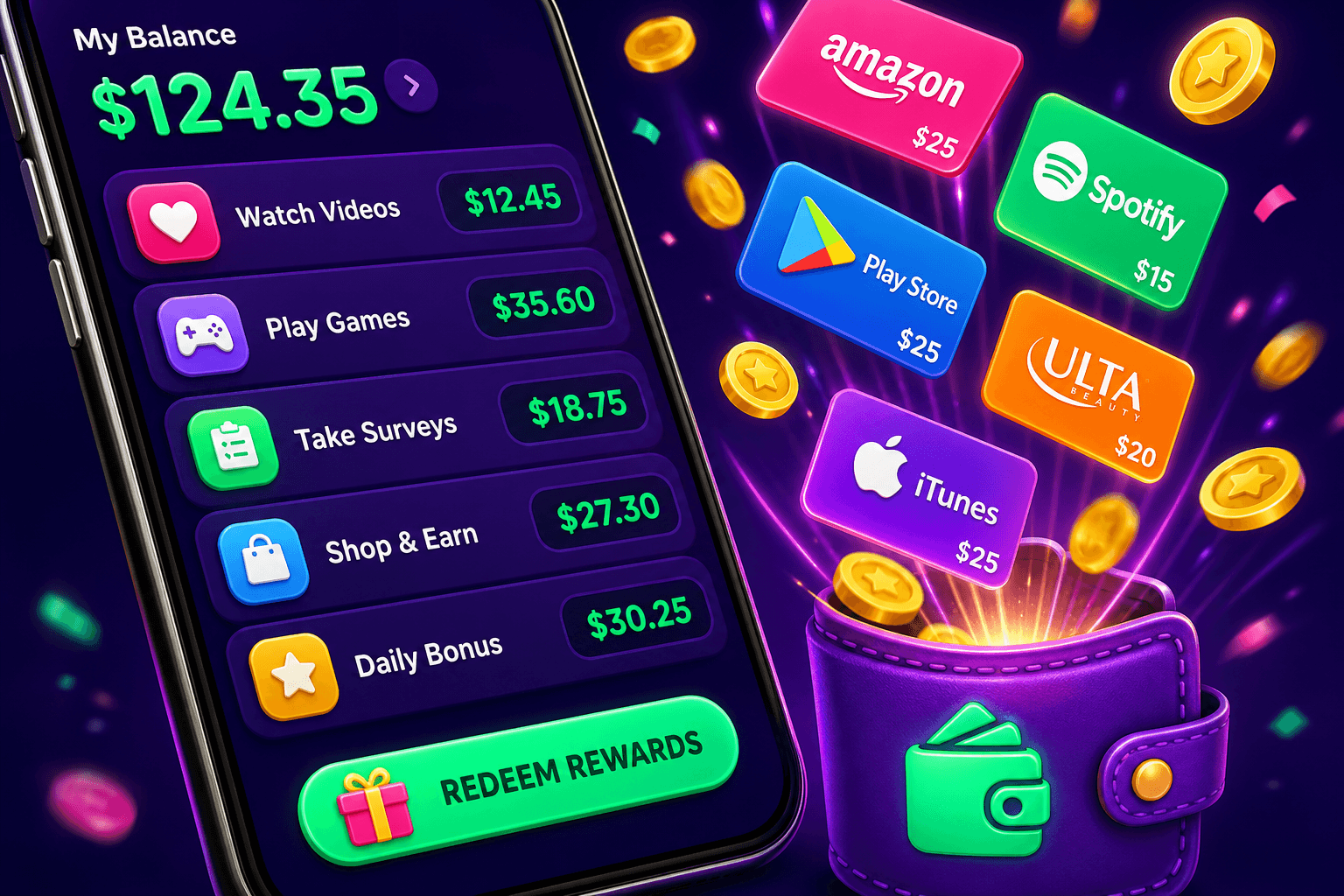
Have a few dollars split across a handful of apps and want a quick gift card instead of letting change sit unused? Small balances are annoying, but there are practical, low-risk moves that turn $2, $5, or $15 into a gift card you can actually spend.
Quick rules before you start
- Be realistic: most apps and sites pay $10 to $150 per month for casual users. Small balances are worth converting when fees or time costs are low.
- Prioritize low or no-fee routes: fees on micro transfers kill value.
- Watch minimums: some services let you redeem at $1, others require $10 or $20.
- Keep enough info handy: account emails, linked PayPal or Venmo, and app usernames so transfers are fast.
Fast conversion routes, ranked by speed and simplicity
-
Buy a gift card directly inside the app
Many reward apps let you redeem for gift cards from major stores with low thresholds. This is the fastest route because there is no external transfer. Fees are usually zero, and delivery is instant. Check the app first to see which retailers and card sizes are available.
-
Send to PayPal, then buy a gift card
If your app supports PayPal, transfer the balance there and buy a gift card from PayPal Gifts or a third-party retailer that accepts PayPal. Example: move $7.50 to PayPal, then buy a $5 or $10 e-gift card. Factor in any PayPal holding times and seller limits.
-
Use gift card exchange sites
Sites like Raise and CardCash let you swap one gift card for another at a small discount. If you can redeem an app balance into a merchant-specific card you will not use, exchange it for a card you will use. Expect 2 percent to 15 percent fees depending on demand and card type.
-
Combine balances using a friend you trust
If you and a friend each have small balances, one person redeems both balances and gives the other a gift card or cash. Make sure you trust the person, and document the transfer.
-
Convert to a prepaid or virtual card
Some services sell small-denomination virtual prepaid cards. These can be bought with PayPal balance or other payment methods and used like regular gift cards.

Step by step: converting via PayPal with an example
Steps you can copy if your app supports PayPal:
- Redeem app balance to PayPal in the app. Example: you have $3.75, the app lets you redeem $1 min, so transfer $3.75.
- Log into PayPal, check the balance. If the sender is external, wait for any processing holds to clear.
- Go to "PayPal Gifts" or a retailer that accepts PayPal and buy an e-gift card in a usable amount. If your balance is $3.75, buy a $5 card by topping up $1.25 from your bank, or choose a $2 or $3 option if available.
- Use the e-gift code immediately in the retailer app or website.
Real example: You have $8 split across two apps. Move both to PayPal, buy a $10 major retailer e-gift card, and apply it to a purchase during a sale. That turns scattered credits into one usable piece of value.
Where to buy gift cards with tiny balances
- Retailer apps with low denominations: many coffee chains and streaming services offer $5 or $10 e-gift cards.
- PayPal Gifts: often has $5 increments and accepts PayPal balance directly.
- Amazon: you can add small gift cards to your Amazon balance and combine them. Small amounts are fine there.
- App stores: Google Play and Apple often accept small payments and let you buy apps, media, or in-app items.
If you need a card to give as a present, choose a retailer that sells low denomination cards and delivers instantly by email.
Fees, limits, and safety tips
- Avoid buy-sell swaps with unknown buyers. Scams exist where someone asks you to redeem and send codes first.
- Expect small fees on gift card exchanges. If the discount is larger than 10 percent, confirm card balance and terms.
- Keep records of redemptions: screenshots, emails, and transaction IDs. These help if a code is invalid.
- Pay attention to delivery method. E-gift codes sent by email are the fastest. Physical cards are slower and might have shipping costs.

Using Playpot and comparable apps
If you use play-to-earn apps, consider their payout terms. Playpot is a free play-to-earn rewards site. Play games, take surveys, and complete app offers to earn coins, then cash out real money via PayPal, Venmo, or Cash App. No download, play right in your browser. Playpot supports reward methods including PayPal, Venmo, Cash App, Zelle, gift cards. It is available on Web, iOS, Android, Desktop. Remember Playpot's minimum cashout is $20, so if you are aiming for very small gift card redemptions you may prefer apps with lower withdrawal thresholds or routes that let you buy gift cards directly.
Quick checklist before converting a balance
- Confirm the app accepts the payout method you need, for example PayPal or direct gift cards.
- Check minimums and processing times.
- Compare fees on gift card exchanges if you are swapping one merchant card for another.
- If combining balances across accounts, agree on the exact transfer method and timing with the other person.

One more app to check out
Birthday Hunter aggregates 500 plus birthday freebies from major brands, which helps you grab gift cards, free food, and small perks without joining a dozen loyalty programs. It is great for people who want to stretch small balances and pair them with birthday deals, for example getting a free coffee to use with a low-value gift card.
Bottom line
Small app balances are not worthless. The fastest, lowest-risk ways to turn them into gift cards are direct in-app redemptions, moving money to a payment app like PayPal and buying an e-gift, or using a trusted gift card exchange. Watch fees and minimums, keep transactions documented, and combine balances only with people you trust. With the right route, $2, $5, or $15 of scattered credit can become a useful gift card in under an hour.
Turn this into real money with Playpot
Play games, take surveys, and complete offers — earn from your very first one and cash out real money.
Play nowGet the best-paying offers by email
Drop your email and we will send the best-paying offers so you can start earning the moment you sign up.
We use your email to send the bonus code and occasional Playpot updates. Unsubscribe in one click.